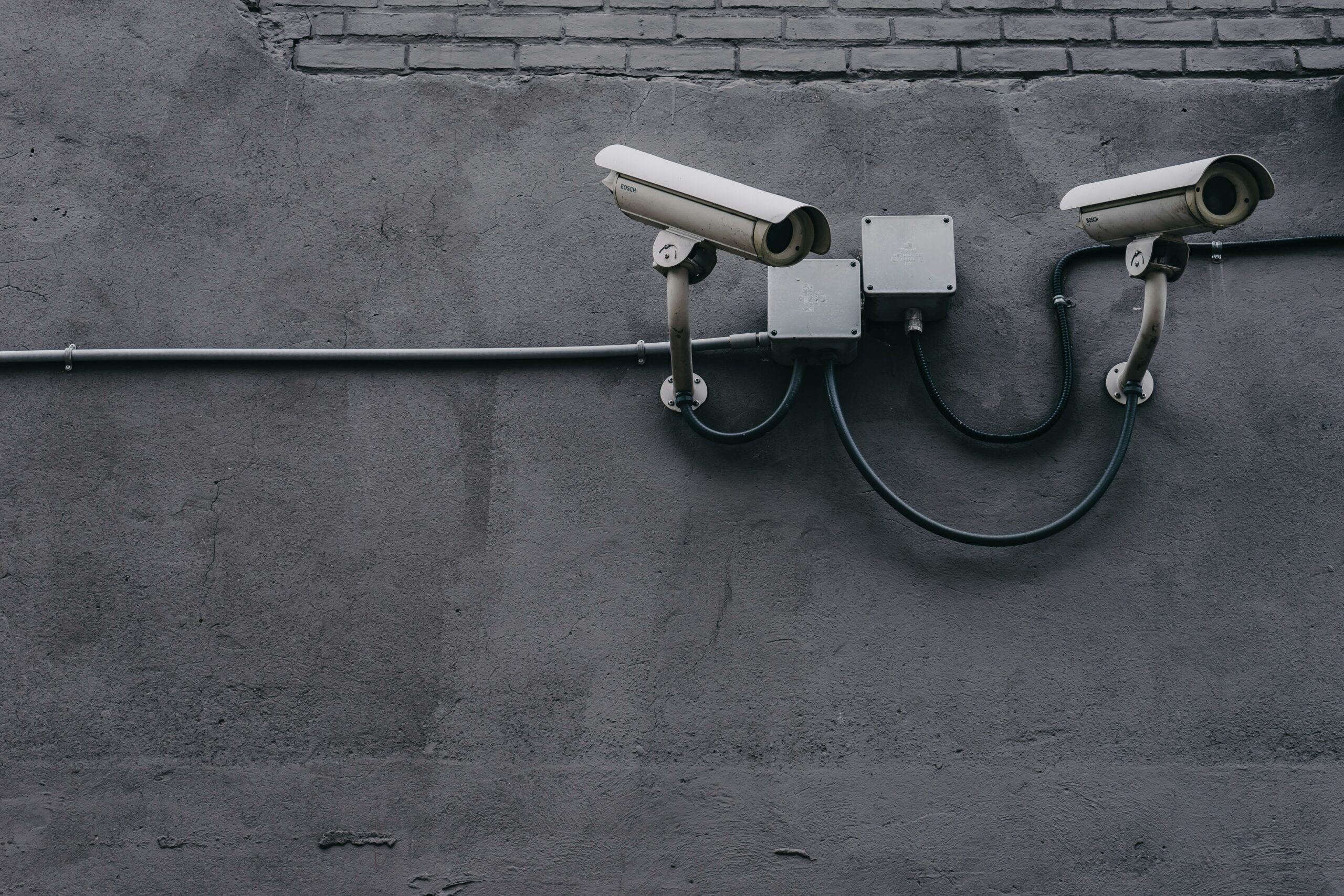
If you’ve ever bought a cheap IP camera off Amazon or AliExpress, you know the drill: the included app is sketchy, the manual is half-translated, and figuring out the RTSP stream URL feels like reverse-engineering. That’s where ispyconnect comes in. And why you should care about locking these cameras down before you plug them into your network.
ispyconnect is the camera database behind iSpy and Agent DVR, the long-running open-source video surveillance project. Even if you don’t end up using iSpy itself, the site is the single best free reference for “how do I actually connect to this camera?”. With thousands of model profiles covering RTSP, ONVIF, MJPEG, and the various proprietary stream paths vendors love to invent.
Using ispyconnect to find a camera’s connection details
Head to ispyconnect.com/cameras. The page lists every manufacturer the community has documented. Pick yours from the list, or search by model number if you already know it.
Once you’re on a manufacturer page, each entry typically gives you:
- Connection method: RTSP, ONVIF, HTTP/MJPEG, or VLC plugin.
- URL templates: the actual paths to plug into VLC, iSpy, Blue Iris, Frigate, or Home Assistant. With placeholders for IP, port, username, and password.
- Notes: gotchas the community has flagged, like channel numbers for multi-lens models or sub-stream vs main-stream paths.
We’ve used this database to wire up Z-Modo, Anran, and a handful of generic Hi3516-based no-name cameras. The brand on the box often doesn’t match the chipset, so if your exact model isn’t listed, try a similar OEM. Dahua, Hikvision, and their many rebadges share a lot of URL patterns.
RTSP vs ONVIF, quickly
RTSP is just the video stream. Once you have the URL, you can pull it into anything that speaks RTSP. ONVIF is the standardized control protocol on top: PTZ commands, event subscriptions, motion alerts. If a camera supports ONVIF, prefer it. You’ll get auto-discovery and a much cleaner integration in whatever NVR software you end up using.
The part most articles skip: these cameras are a liability
Here’s the uncomfortable truth. A huge share of consumer IP cameras are built on a handful of Chinese SoC reference designs, ship with default credentials, run firmware that never gets patched, and try to phone home to vendor cloud services the moment they get a network connection. Mirai (the botnet that took down Dyn and broke half the internet in 2016) was built largely from compromised IP cameras and DVRs.
If you’re going to put one on your network, treat it like a hostile device. That sounds dramatic until you realize the default posture of most of these things is “openly broadcast my admin port to anything that asks.”
Put cameras on their own VLAN. And block their outbound internet
This is the single most important thing on this list. Cameras don’t need to reach the internet; your NVR or recording host needs to reach the cameras. Put them on an isolated VLAN, then write a firewall rule that allows traffic from your NVR’s IP and drops everything else, including outbound to the WAN.
If your router doesn’t do VLANs, a separate “IoT” guest Wi-Fi with client isolation is a workable fallback. The point is: don’t put them on the same network as your laptop.
Change the default password, then look for the “other” admin account
Default credentials are still the #1 way IP cameras get popped. “admin/admin”, “admin/12345”, “root/pass”. These are in every botnet wordlist. After you change the main password, check whether the firmware exposes a way to rename or disable the default admin account.
Some firmwares hide a second hardcoded account that no UI exposes. If an Nmap scan of the camera turns up odd open ports like 23 (telnet), 9527, or 34567, that’s a strong sign there’s a backdoor service running you can’t turn off. Another reason the VLAN matters.
Update firmware once, then assume it’s the last update you’ll get
Most consumer cameras get firmware updates for maybe a year after release, if at all. Pull the latest version when you set the camera up, then plan around the assumption that’s the firmware it’s going to die with. You’re going to be running known-vulnerable code on these devices sooner than you think; isolation is what keeps that from mattering.
Skip the vendor app and cloud account
If a camera offers RTSP or ONVIF (ispyconnect tells you whether it does), you don’t need the vendor app. Those apps usually require a cloud account that proxies your video stream through someone else’s servers. There have been multiple incidents over the years where this turned out to be a wide-open bucket, or where one customer’s account could see another customer’s feeds. Don’t opt in.
Pick brands that at least pretend to care about security
Hikvision and Dahua get a lot of (deserved) flak and have been hit with US export restrictions, but their cameras at least get firmware updates and have well-documented ONVIF stacks. Reolink, Amcrest (a Dahua US distributor), and Ubiquiti are reasonable mid-tier picks. For self-hosters running Frigate or Blue Iris, the baseline to look for is: PoE, RTSP, ONVIF, no cloud required.
What to do with the URLs ispyconnect gives you
If you just want to confirm a stream works, VLC’s “Open Network Stream” with the RTSP URL is the fastest test. From there, ispyconnect’s parent project (Agent DVR) is a reasonable free NVR. For self-hosters, Frigate has become the community favorite. It layers local AI object detection on top of RTSP feeds and integrates cleanly with Home Assistant. Blue Iris is the Windows go-to if you don’t mind paying for a license.
The pattern is always the same: ispyconnect tells you the URL, you plug it into your NVR of choice, and the NVR is the only thing on your network that ever needs to talk to the camera.