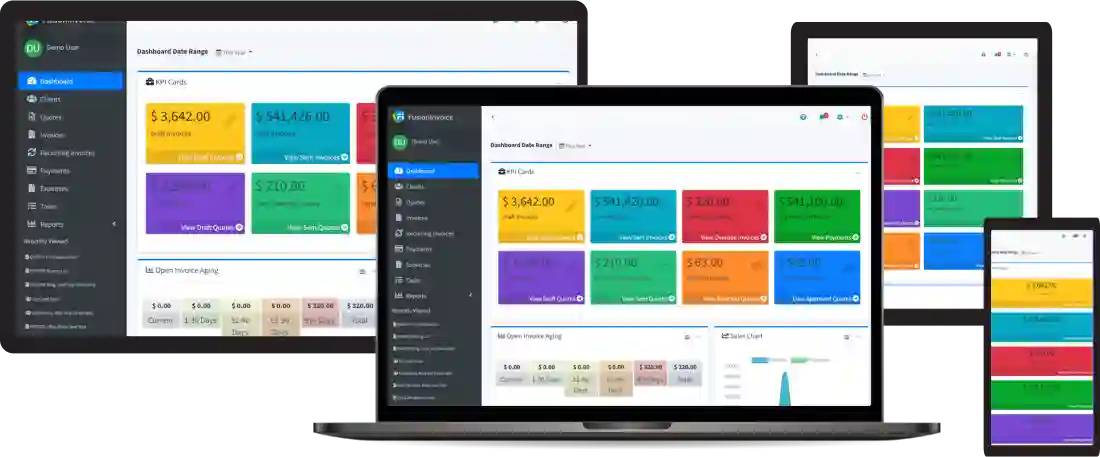
FusionInvoice 2026-1.00 shipped this month. It’s the biggest release in a while. New inventory module, responsive overhaul, e-invoicing standards, security improvements. I’ve upgraded a couple of client installs already; here’s the short take on what matters for small-shop deployments and what’s safe to ignore.
The three changes I actually care about
1. The responsive overhaul
This is the underrated one. The old listing pages (Clients, Quotes, Invoices, Payments) needed a horizontal scroll on phones and were unusable on a tablet without a Bluetooth mouse. The new responsive layout fixes that across the board. If you have a client who runs their books from an iPad in their truck cab, this alone is worth the upgrade.
2. Client portal OTP
Clients can now set their own portal password via an emailed one-time code instead of you having to email them a password or have them call you. Small but huge. It removes the “help, I forgot the password” loop that used to be a recurring support tax. For any install with more than ~5 client logins, turn this on immediately.
3. On-the-fly client / vendor creation
You can now create a new client or vendor from inside the invoice modal without losing your current edit. Sounds minor; saves real time. My most common workflow used to be: open invoice, realize the client isn’t in the system, lose my place, go create them, come back, redo the invoice. Now it’s one modal.
The inventory module
This is the headline feature for the release. If you sell physical goods, this matters. You get stock-level tracking, min/max warnings, automatic deduction on shipping, primary vendor assignment, standard costing. Real inventory management built in.
For service businesses (most of my clients), the inventory module is overhead you don’t need. You can ignore it cleanly. Nothing in the upgrade forces you to enable it.
The e-invoicing compliance support
Peppol, DBNAlliance, FACeB2B, Finvoice. These are international e-invoicing standards required in various EU countries, Australia, and a few others. If you sell B2B internationally, this is huge. If you’re a US-based small business invoicing US clients, you can ignore it.
How to upgrade
The upgrade path is the standard one I covered in the self-hosting walkthrough:
- Take a database backup.
mysqldumpas always. - Download the 2026-1.00 ZIP from your FusionInvoice account.
- Unzip on top of
/var/www/fusioninvoice. sudo chown -R www-data:www-data /var/www/fusioninvoice- Hit the site; the in-app migration runs on first request.
I’ve seen no upgrade issues across the installs I’ve done. The DB migration is bigger than usual because of the inventory schema additions. On a 1 GB Droplet with a small dataset it took about 30 seconds.
If you want me to handle the upgrade
Tiempo handles FusionInvoice upgrades for clients on a monthly retainer (along with the broader server patching from how I keep Linux servers patched). Drop me a line if you’d rather not do this one yourself.